
CS2 Account Recovery Guide — What If You Lose Access? (2025)
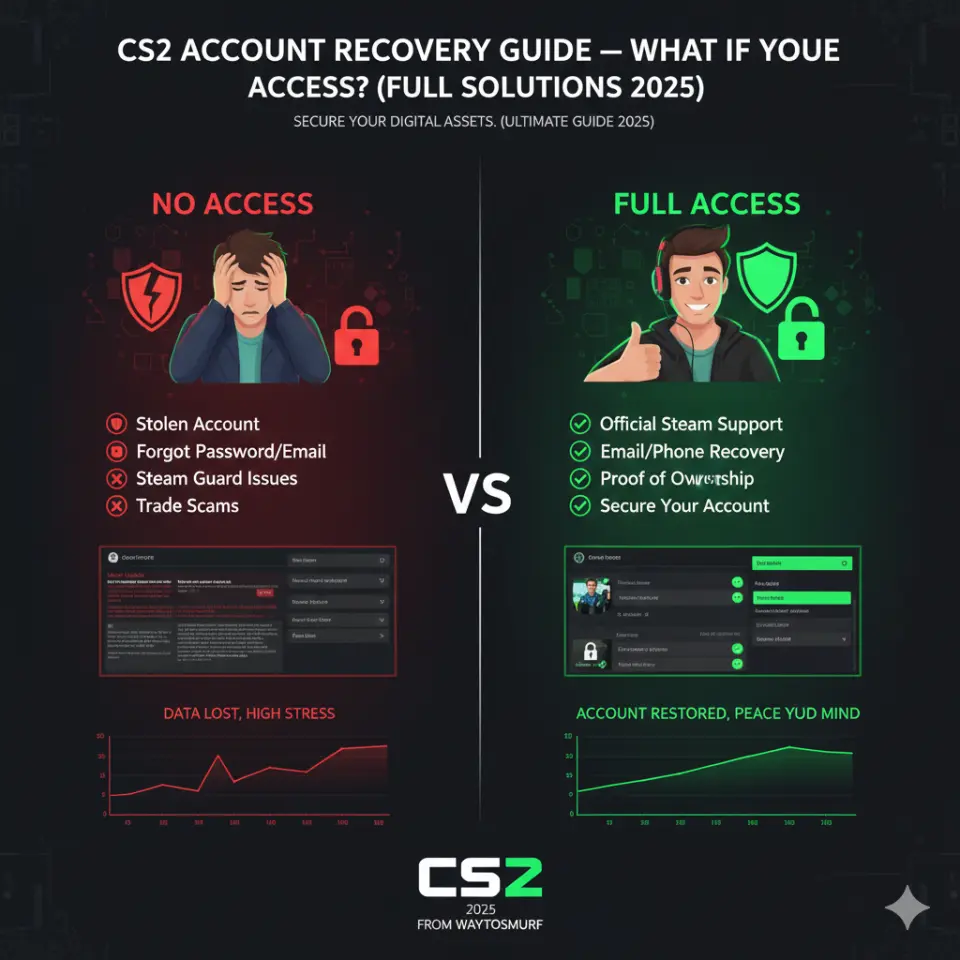
Losing access to your CS2 accounts — whether due to a forgotten password, hacked login, email loss, or Steam Guard issues — can be stressful. The last thing any player wants is to lose their progress, ranks, skins, or trusted profile.
Whether you’re new to Counter-Strike 2 or a seasoned player with hours invested into your account, this CS2 account recovery guide will walk you step-by-step through the process of reclaiming access, securing your profile, and preventing future lockouts.
If you want to skip lengthy recovery steps and start fresh or upgrade safely, you can explore pre-verified competitive options here:
👉 CS2 accounts — Counter Strike 2 Premier Accounts
Why Losing Access Happens (Common Causes)
Before we jump into recovery, it’s essential to understand how players lose access in CS2 and Steam:
1. Forgotten Password
Simple, but common — especially if you haven’t logged in recently.
2. Compromised Email or Steam Account
If someone gains unauthorized access to your email or Steam login.
3. Lost Steam Guard / Mobile Authenticator
Removing Steam Guard or losing your authentication device can block access.
4. Accidental Account Changes
Mistakes like updating credentials incorrectly.
5. Email Deleted or Inactive
Old emails being shut down by providers or forgotten access.
6. Phishing Scams
Fake login pages or links trick you into entering credentials.
7. Shared Accounts
Giving someone access and losing control of your login.
How to Immediately Start Recovery (Step-by-Step)
Let’s go step by step to get you back in your CS2 account ASAP.
🚩 Step 1 — Don’t Panic + Gather Info
Before you even start, get:
✔ Your last remembered email address
✔ Last remembered password
✔ Steam Account name
✔ Account recovery codes (if available)
✔ Phone number previously linked
These make proof-of-ownership easier.
🔑 Step 2 — Try Steam Account Recovery First
Steam offers a very structured recovery process.
- Go to Steam Login Page
- Click “Forgot My Password”
- Select “I no longer have access to this email” if necessary
- Enter your Steam account name or email
- Follow verification prompts
Steam will offer options to recover via:
✔ Email
✔ Phone number
✔ Steam Guard
✔ Account recovery codes
Tip: If you have Steam Guard enabled on your phone, use the code prompts.
📧 Step 3 — Recover Your Email Account (if Lost)
If your Steam email was compromised or inaccessible, follow your email provider’s account recovery:
- Gmail (Google Account Recovery)
- Outlook / Hotmail
- Yahoo!
- ProtonMail / Other providers
Use previous passwords, linked phone numbers, 2FA codes, and recovery options. The more info you provide, the higher your chances.
📱 Step 4 — Use Steam Support Directly
If standard recovery fails:
- Go to Steam Support — https://help.steampowered.com
- Select “I can’t sign in”
- Follow the prompts based on your issue
- Provide proof of ownership (See next section)
Steam Support will evaluate your case and help reset credentials if you prove ownership.
What Counts as Proof of Account Ownership?
When contacting Steam Support, the more information you can provide, the better. Gather:
✔ Original email used
✔ Phone number linked
✔ Last used Steam Wallet purchase or transaction ID
✔ Last purchased game on the account
✔ Approximate account creation date
✔ Last login location
✔ Any order IDs from previous transactions
✔ Screenshots of purchase emails (if any)
Having previous transactions or Steam Wallet purchase proof significantly improves recovery success.
What to Do If Your Account Was Hacked
If someone else accessed your account and changed the email, password, or Steam Guard settings:
Step A — Report Immediately to Steam Support
Use the “Account Hacked” category.
Step B — Provide Proof of Ownership
Same as above — transaction IDs and past purchase details help.
Step C — Secure Your Email + Phone
Change email passwords, enable 2FA, and secure recovery options.
Step D — Run Security Scan on Your Devices
Remove malware, keyloggers, or compromised software.
What to Do If Someone Stole Your Account Info Through Phishing
Phishing is extremely common in gaming circles — fake login pages that steal credentials.
If you think this happened:
- Immediately attempt Steam recovery
- Change passwords on all linked emails
- Check if your email provider was compromised
- Enable 2FA on all accounts
- Report phishing URLs to anti-phishing services
Lost Steam Guard Codes / Mobile Authenticator
If you lose your Steam Guard Mobile Authenticator device:
✔ Use backup backup codes
✔ If you don’t have backups, proceed with Steam Support
✔ Provide proof of ownership
✔ Wait through their verification process
Tips for Faster Recovery Success
✔ Provide Detailed Information
Steam Support responds faster with more verifiable data.
✔ Attach Screenshots of Purchases
Steam Wallet or game purchases are gold when proving ownership.
✔ Use a Stable Email Contact
Provide an active email for support replies.
✔ Follow Support Instructions Precisely
Don’t skip or guess information — accuracy helps.
Protecting Your Account After Recovery
Once you regain access, take these steps immediately:
✅ Change Password
Use a strong, unique password.
✅ Enable Steam Guard + Two-Factor
Prefer Steam Guard Mobile Authenticator.
✅ Secure Email Account
Ensure your email has 2FA and updated recovery options.
✅ Check Purchase History
Verify nothing unauthorized was done.
✅ Scan for Malware
Use trusted antivirus tools to make sure your system is clean.
Preventing Future Loss — Best Practices
Here’s how to secure your CS2 accounts long-term:
1. Enable Steam Guard + 2FA
Whether email or mobile, strong two-factor defends access.
2. Avoid Phishing Links
Always log in through official Steam — never enter credentials on unknown sites.
3. Strong Unique Passwords
Use a complex password manager for Steam and email.
4. Secure Email First
If email is weak, attackers will use it to break Steam.
5. Never Share Login Info with Anyone
Even “trusted friends”.
6. Beware of Third-Party Tools / Cheats
Some injectors or hacks carry malware or credential stealers.
Options if Recovery Is Unsuccessful
Sometimes, recovery might fail — e.g., no proof of ownership, no purchases on the account, old email is inaccessible, etc.
If you can’t recover your old account and still want to play CS2 with competitive readiness, here are safe options:
Start Fresh with a Verified CS2 Account Provider
You can skip the risk and start with a clean ranked account from a trusted marketplace:
👉 CS2 accounts — Counter Strike 2 Premier Accounts
These accounts are:
- Ranked and ready for competitive play
- Higher trust factor (clean history)
- Legit, safe, and instant delivery
- Supported by warranty and support teams
This gives you a fresh start without the frustrations of recovery dead ends.
Extra Safety Tips for CS2 Players (Beyond Recovery)
Here are proactive tips to help keep your gaming identity safe:
⚠ Don’t Enter Credentials on Random Sites
Hackers create fake Steam login pages that look real. Always double-check URLs.
⚠ Link Your Phone for Recovery
Phone numbers make password resets easier if email is compromised.
⚠ Use a Unique Email Only for Gaming Accounts
Don’t mix your email with random sign-ups — keep it secure.
⚠ Set Up Account Recovery Options on Email Providers
Most providers have backup email or phone options — enable them.
Frequently Asked Questions
1. How long does Steam account recovery take?
It varies by case complexity — from a few hours to multiple days. Providing detailed proof speeds it up.
2. What if I never made purchases on Steam?
That makes verification harder, but you can still provide other proofs like creation date, previous login devices, or linked phone.
3. Can Valve refuse account recovery?
Yes — if it cannot verify you as the owner. That’s why proof documentation matters.
4. What if someone changed my email first?
Steam Support can work with secondary recovery steps, phone numbers, or purchase info.
5. Does losing the CS2 account mean losing game items?
If the account is unrecovered, yes — all items on it remain lost. That’s why recovery and security matter.
Final Thoughts — Protecting What Matters Most
Losing access to your CS2 accounts can be stressful, but it’s not the end. With the right steps, patience, and documentation, recovery is possible — even from tricky situations. And once you’re back in, taking proactive security measures protects your profile long-term.
But if recovery reaches its limits or doesn’t align with your need to play competitively right away, starting fresh with verified accounts is a smart and safe alternative.
👉 Explore trusted CS2 accounts here: Counter Strike 2 Premier Accounts
Secure your game, defend your progress, and dive back into Counter-Strike 2 with confidence!