
Step-by-Step Guide to Verifying a CS2 Account Before Purchase (2025 Safe Buyer Guide)
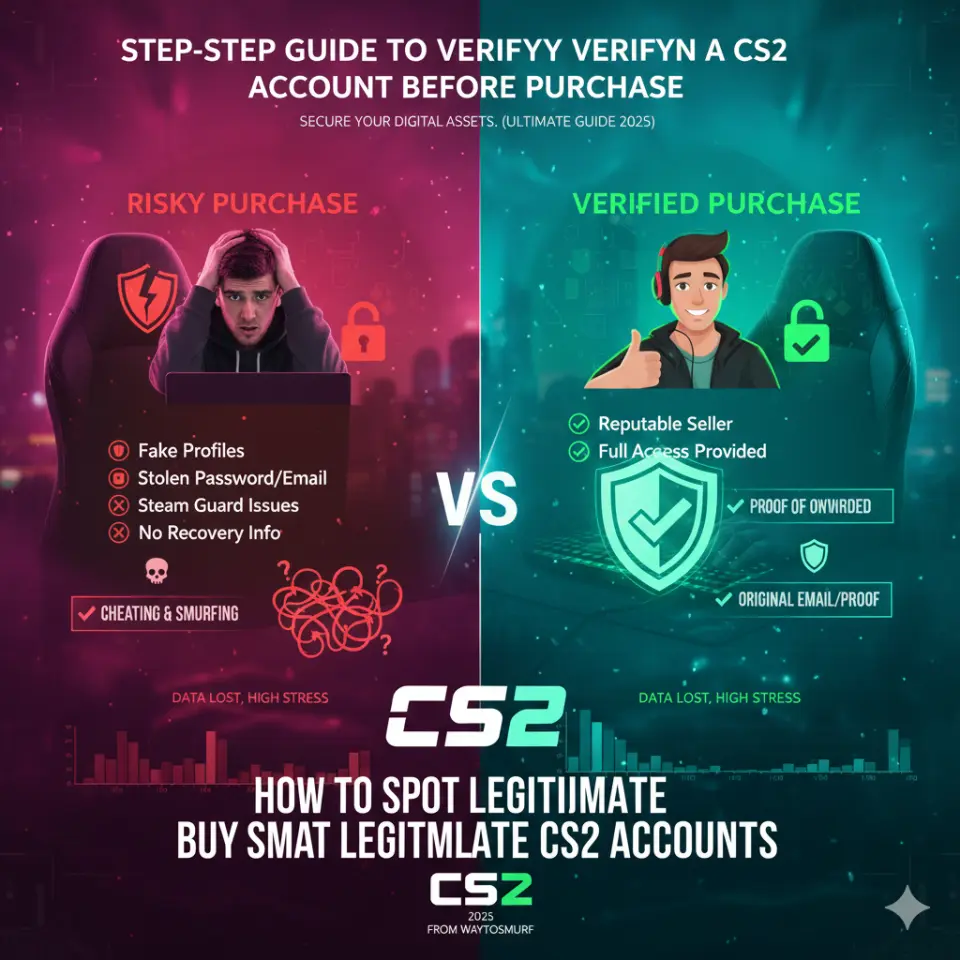
Buying CS2 accounts online can save time, unlock competitive play, and give you a head start — but only if you buy safely. The gaming marketplace is crowded, with some sellers offering high-quality accounts and others running scams, stolen accounts, or low-trust profiles.
This step-by-step guide will help you verify CS2 accounts before purchase, so you never end up with a banned, recycled, or problematic account. Whether you’re a beginner or seasoned buyer, these methods are simple, actionable, and effective.
👉 Start by exploring trusted competitive accounts here:
CS2 accounts
Why CS2 Account Verification Matters
Before we dive into steps, let’s answer one big question:
Why should you verify a CS2 account before purchasing?
Buying an account without verification can result in:
✔ Account recovery by the original owner
✔ Low trust factor (bad matchmaking)
✔ Shadow bans or VAC on record
✔ Reused, shared, or compromised credentials
✔ Wasted money with no way to refund
Verification helps you confirm that:
- The account is clean
- The seller is legitimate
- You get what you pay for
Step 1 — Confirm Seller Reputation
Always start with the seller, not the account itself.
What to check:
✅ Does the seller have a website with clear branding?
✅ Are there multiple years of operation?
✅ Do they show real customer reviews?
✅ Do they offer refund/replacement policy?
✅ Are contact details and support channels visible?
If a seller uses only Telegram/Discord accounts with no transparent presence — avoid them. Legit sellers invest in reputation.
Step 2 — Review Description Carefully
The product listing itself should include:
- Rank or Premier status
- Hours played
- Trust factor / behavior info
- Steam category status
- Region & language support
- Price breakdown
⚠ Listings with vague descriptions like “High lvl account” or “CS2 premium” with no specifics → do not trust.
Step 3 — Ask for Screens Before Purchase
Before payment:
Request screenshots showing:
📌 Steam profile page
📌 Competitive rank
📌 Trust factor or in-game stats
📌 Last played hours
📌 Match history (if available)
Screens prove the seller actually possesses the account keys.
Step 4 — Check for Trust Factor & VAC Status
Trust factor is a hidden but crucial metric in CS2. Accounts with low trust:
❌ Get matched with hackers
❌ Make gameplay frustrating
❌ Reduce matchmaking quality
Ask the seller:
✔ Is the TF high?
✔ Have there been any VAC or overwatch bans?
If they can’t confirm or show proof → walk away.
Step 5 — Evaluate Account History
A trustworthy CS2 account should have:
📌 Legitimate play hours
📌 Balanced match history (not only wins)
📌 No suspicious spikes in rank without gameplay
📌 No reports from previous owners
If possible, request the match history screenshot or brief overview.
Step 6 — Confirm Email / Login Transfer Details
Before purchase:
📍 Confirm whether the account comes with full transfer rights
📍 Confirm if you’ll have the login email or at least standard Steam access
📍 Confirm Steam Guard status and whether it’s removable
Real sellers will always provide full access instructions, including how to change email & password immediately after purchase.
Step 7 — Check Seller’s Refund / Replacement Policy
A safe marketplace WILL offer:
✔ Account replacement if login fails
✔ Refund if account is compromised
✔ Support if purchase has issues
Never buy from sellers without clear post-purchase support policies.
Step 8 — Evaluate Payment Security
Always check:
🔒 Are payments processed by trusted gateways (PayPal, Stripe, cards)?
🔒 Does the seller provide escrow or intermediate protection?
🔒 Is your purchase traceable?
Never send funds via untraceable methods like random crypto wallets or gift cards — these offer zero buyer protection.
Step 9 — Ask About Bans or Restrictions
Good sellers are transparent. Ask:
❓ Has the account ever been banned?
❓ Were there any overwatch or community bans?
❓ Are there any VAC flags?
❓ Was the account used with cheats previously?
If they dodge these questions — that’s a red flag.
Step 10 — Validate Matchmaking Readiness
A “ranked ready” CS2 account should:
✔ Have Prime/Competitive unlocked
✔ Have a rank assigned
✔ Have enough match history or hours
✔ Be ready for ranked lobbies as soon as you log in
Bad listings often sell incomplete or partially-unlocked accounts.
Before purchasing, confirm all of this with the seller.
Step 11 — Ask for Delivery Method and Timing
Safe sellers provide:
🕐 Clear turnaround time
📩 Delivery steps explained
📍 Support messages if delayed
📞 Direct contact if issue arises
Delivery shouldn’t be mysterious or unclear.
Step 12 — Verify After Purchase (Post-Purchase Checklist)
Once you receive the account:
🔐 Immediately perform these steps:
✔ Change email
✔ Change password
✔ Enable Steam Guard Mobile Authenticator
✔ Add phone for recovery
✔ Check trust factor and VAC status
✔ Run a quick match or two
If at any point something looks suspicious — contact the seller immediately.
Signs of a Suspicious or Fake CS2 Account
Here are common signs you should never buy:
❌ No screenshots offered
❌ Replies slowly or evasively
❌ Price too good to be true
❌ No refund/replacement policy
❌ Seller lacks online footprint
❌ No clear delivery steps
❌ Pushes untraceable payment methods
Trust your instincts — if it feels suspicious, it probably is.
Marketplace Comparison — Best Practices for Safe Purchases
Now that you know how to verify accounts, the next step is choosing the safest place to buy.
One trusted and reputable option for CS2 accounts is:
Here’s why:
✔ Clear product descriptions
✔ Structured inventory of accounts
✔ Ranked and premier accounts available
✔ Support and refund policy
✔ Reputation with global buyers
✔ Safe payment methods
Buying from a verified marketplace makes step-by-step verification much easier because many checks are already built into their system.
6 Verification Tips Every Buyer Should Memorize
| Tip | Why It Matters |
|---|---|
| Always confirm screenshots | Proof seller has the account |
| Check trust factor & banned history | Avoid toxic or risky accounts |
| Validate refund policy | Protect your money |
| Make sure login transfer is complete | You don’t want shared access |
| Use traceable payments | Avoid unprotected spending |
| Ask detailed questions | Scammers dodge specifics |
These verification habits save time, frustration, and money.
Common Myths About Buying CS2 Accounts
Let’s clear up a few misconceptions:
MYTH 1 — Cheaper Accounts Are Always Good
Reality: Low priced accounts often come with risks: stolen history, low trust factor, hacked spray data.
MYTH 2 — Sellers Always Show Screenshots
Reality: Fake sellers use stock photos or unrelated screenshots.
MYTH 3 — Marketplace Means Safe
Reality: Some marketplaces are P2P without any safeguards. Always verify even on marketplaces.
MYTH 4 — All Accounts Have Good Matchmaking
Reality: Accounts with low trust or little history often produce unfair games.
What To Do If You Realize the Account Is Not What You Expected
If after purchase you discover:
❌ Account is banned
❌ Login doesn’t work
❌ Trust factor very low
❌ Seller disappears
Then:
📍 Contact seller immediately
📍 Provide screenshots of issues
📍 Ask for replacement or refund per policy
📍 If no response — escalate with payment provider
Dispute resolution exists for a reason — use it.
Final Checklist — Before You Click Buy
Before completing any CS2 account purchase, run this quick checklist:
👉 Seller reputation verified
👉 Screenshots provided
👉 Documentation of rank/trust factor shown
👉 Login rights confirmed
👉 Refund/replacement policy clear
👉 Safe payment verified
👉 Delivery steps explained
👉 Follow-up support confirmed
👉 No red flags in responses
If all boxes are checked — you’re ready to buy.
Conclusion — Buy Smarter, Not Riskier
Buying CS2 accounts can be a safe and rewarding shortcut to competitive play — but only if you verify every detail before payment. Verification protects you from scams, stolen accounts, banned profiles, low trust factor, and financial loss.
Follow each step in this guide, trust verified sellers, and never skip the verification process — it’s the difference between happy purchase and buyer regret.
Ready to browse verified and safe CS2 accounts?
👉 CS2 accounts
Play safe. Verify thoroughly. Game confidently.